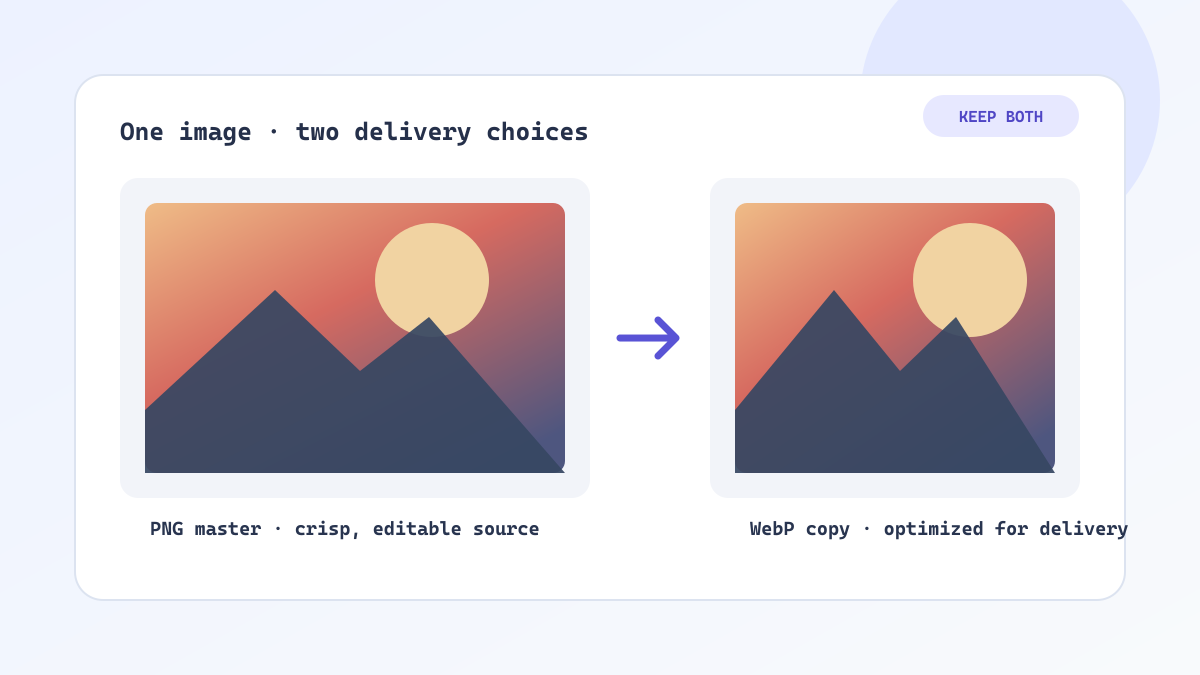
PNG to WebP: A Practical Guide to Faster Websites
Learn when to convert PNG to WebP, how to preserve transparency, compare file sizes, and build a reliable image workflow for faster pages.
Read the guide →ImageTool.cc field notes
Clear, production-minded guides for choosing image formats, resizing assets, building height maps, and preparing visual files for real projects.
Learn when to convert PNG to WebP, how to preserve transparency, compare file sizes, and build a reliable image workflow for faster pages.
Read the guide →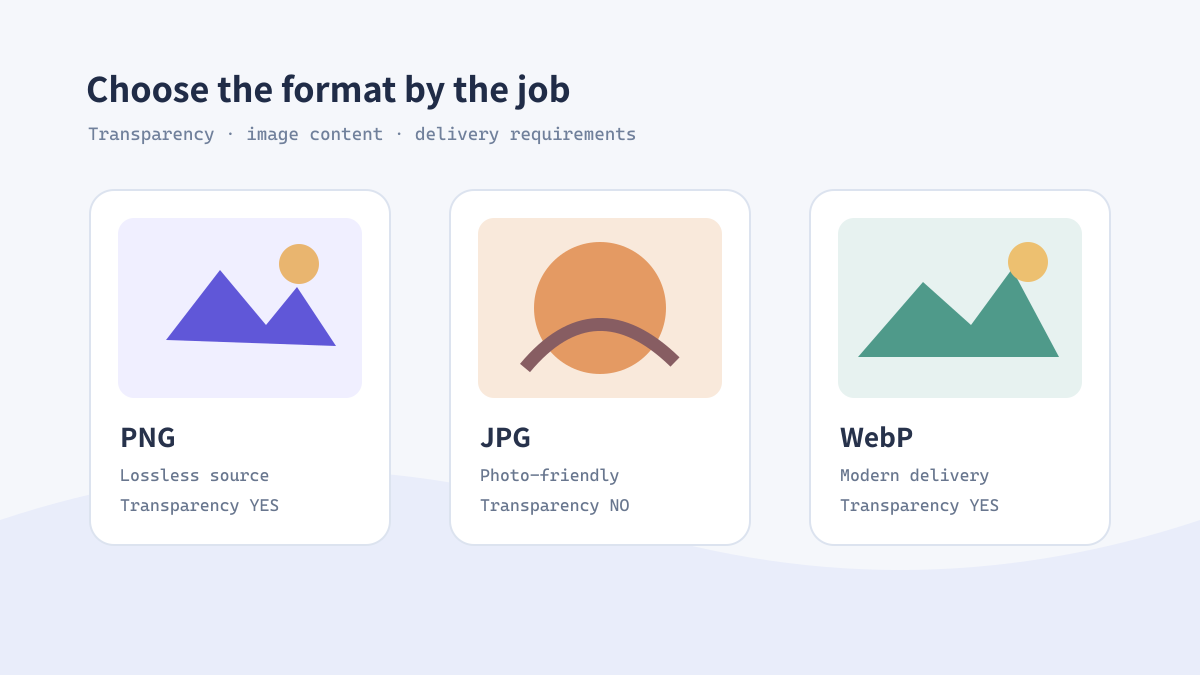
A clear decision guide for choosing PNG, JPG, or WebP based on transparency, texture, compression, compatibility, and design workflow needs.
Read the guide →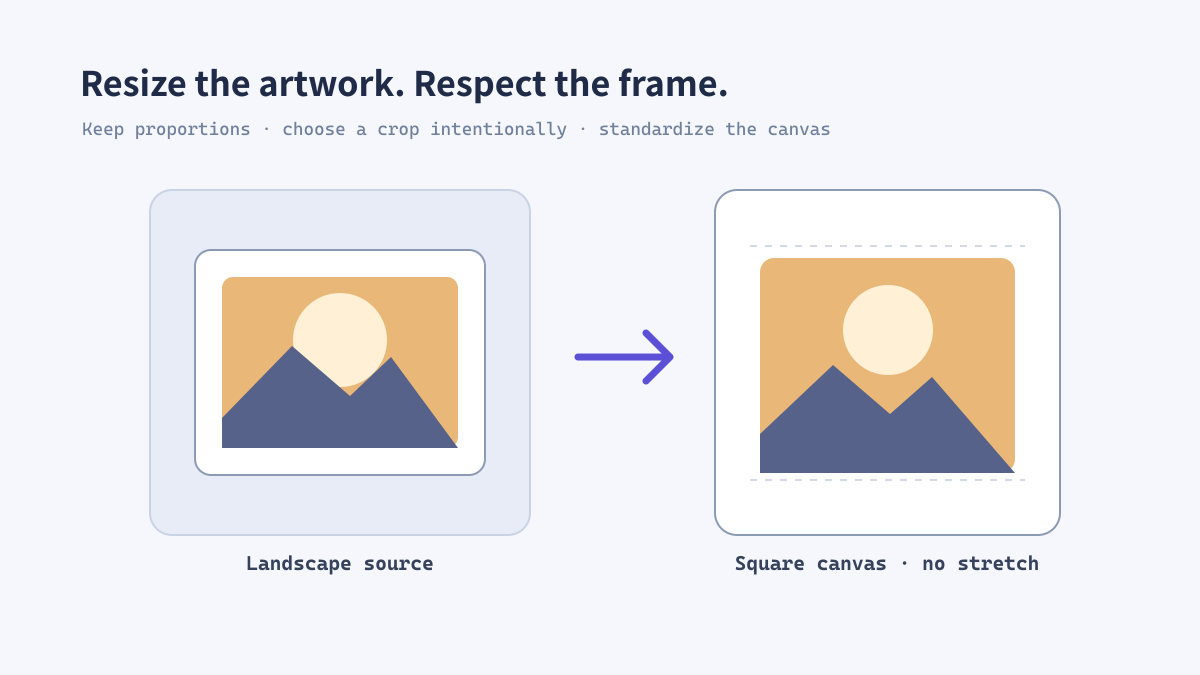
Learn how to resize images for websites, stores, social media, and design handoff without creating blur, cropping errors, or oversized files.
Read the guide →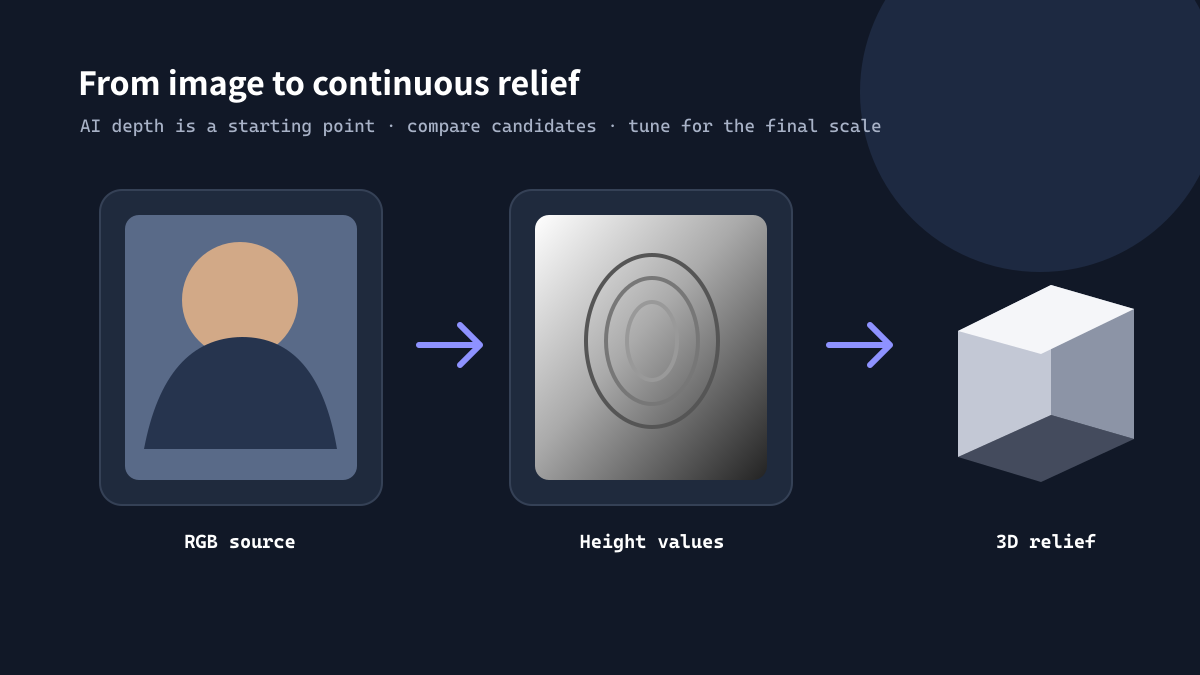
A practical guide to turning a photo into an AI height map for Blender, CNC relief, 3D printing, and displacement-based material workflows.
Read the guide →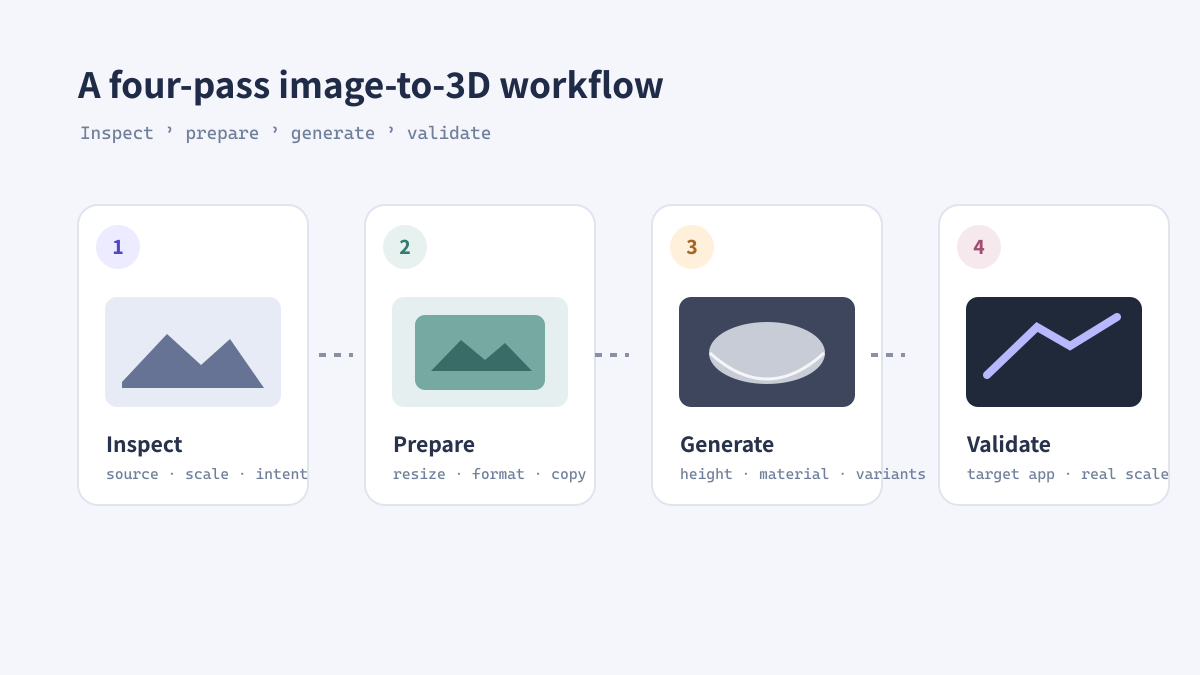
Build a practical image-to-3D workflow: organize sources, resize and convert assets, generate height maps, and keep deliverables ready for iteration.
Read the guide →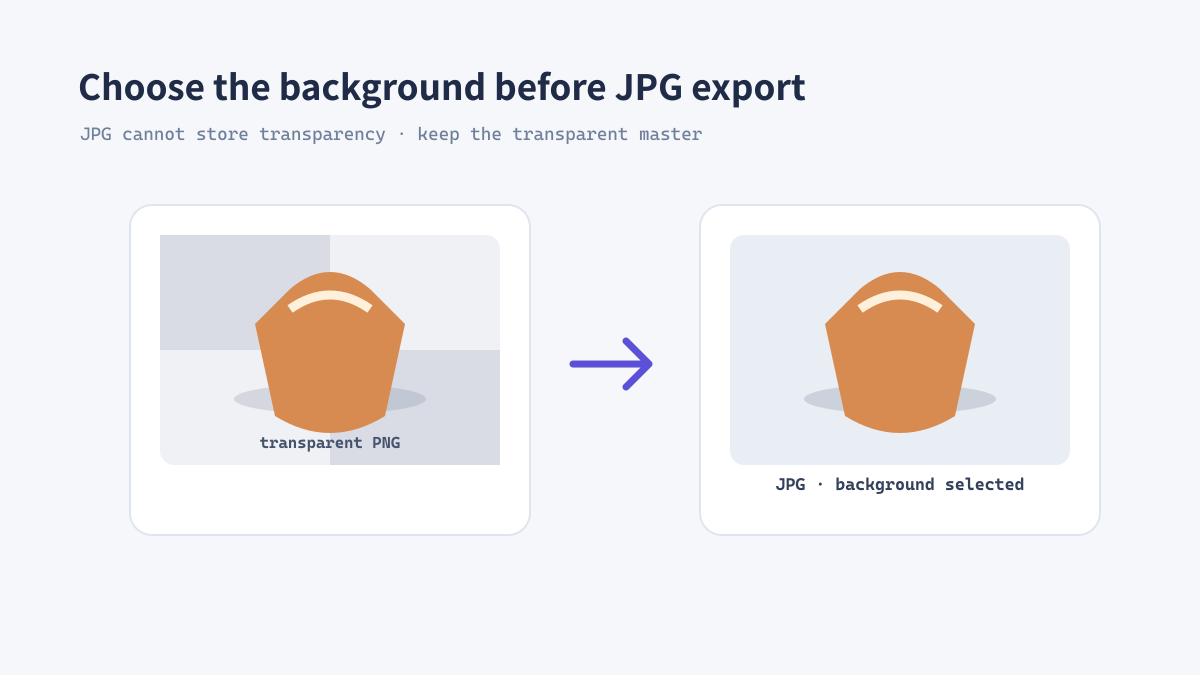
Convert PNG to JPG with a deliberate background and quality setting. Learn when JPEG is useful, what happens to transparent pixels, and how to check the result.
Read the guide →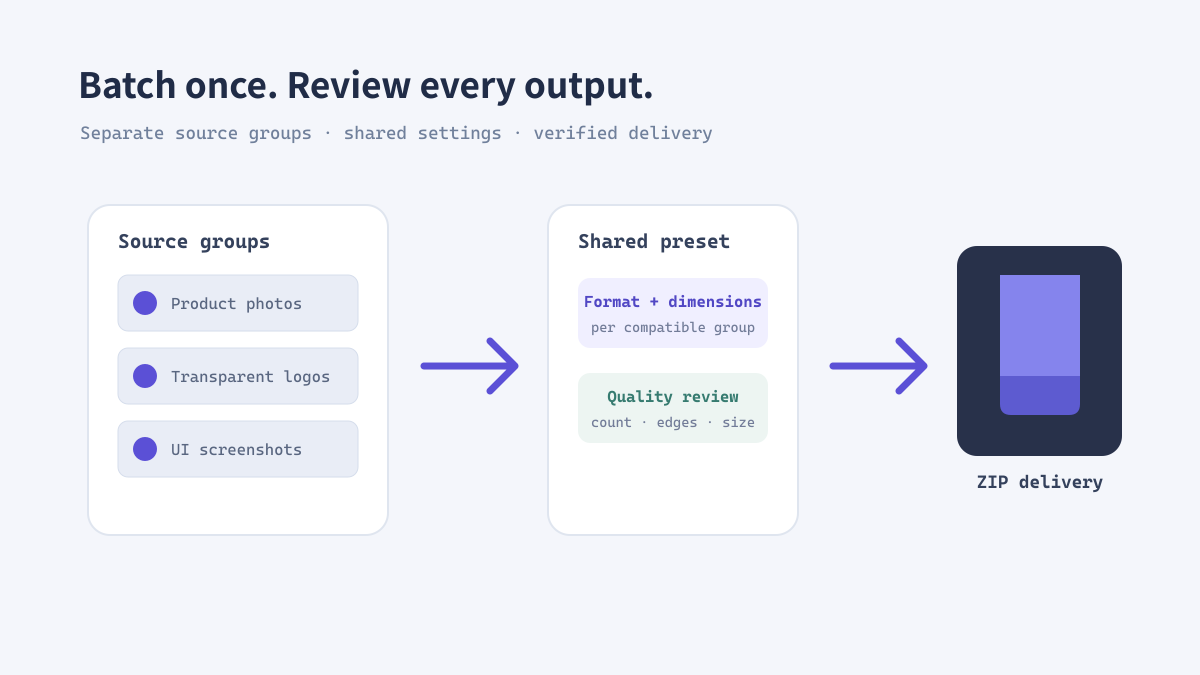
Convert image batches consistently with a clear source, sizing, format, quality, naming, and review process for design and web teams.
Read the guide →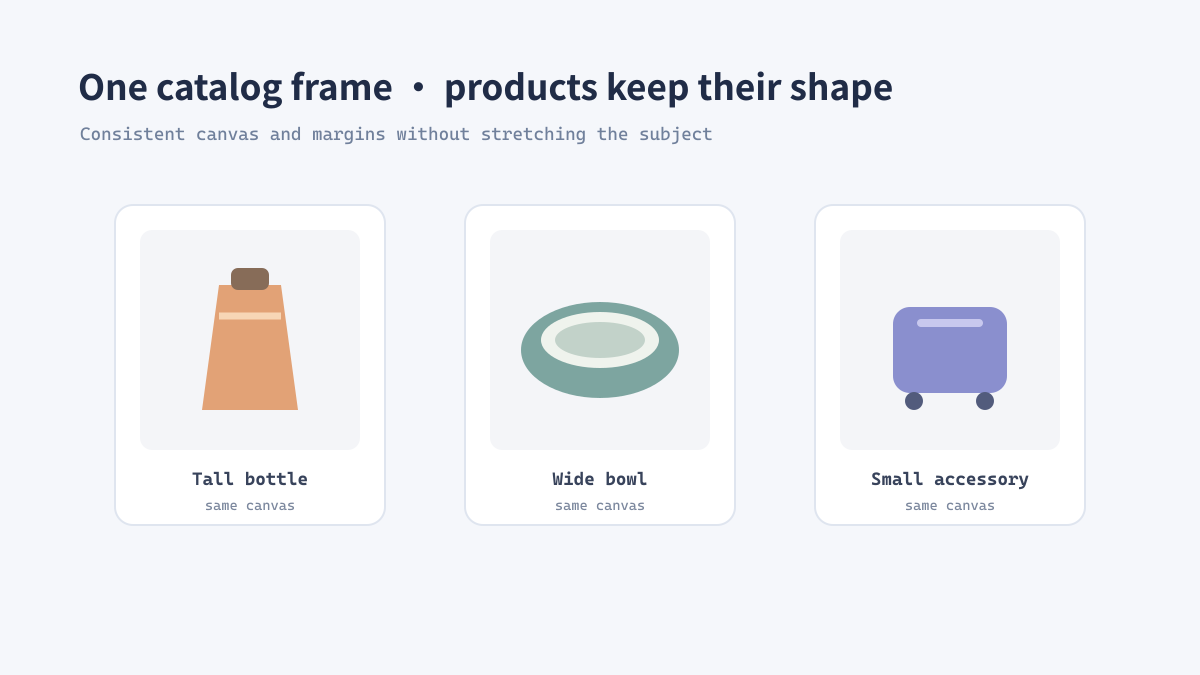
Plan product image dimensions, aspect ratios, safe margins, and export formats for a consistent e-commerce catalog without stretching or needless oversized files.
Read the guide →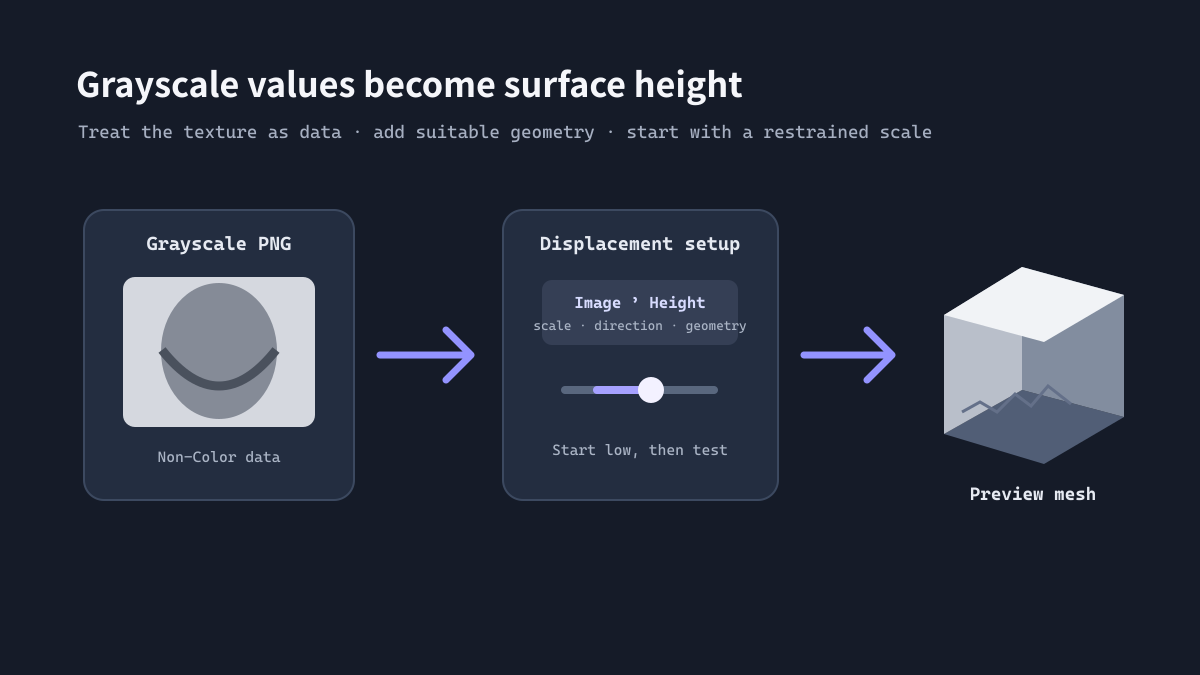
Import a grayscale height map into Blender, use it as non-color data, tune displacement scale, and troubleshoot common relief artifacts.
Read the guide →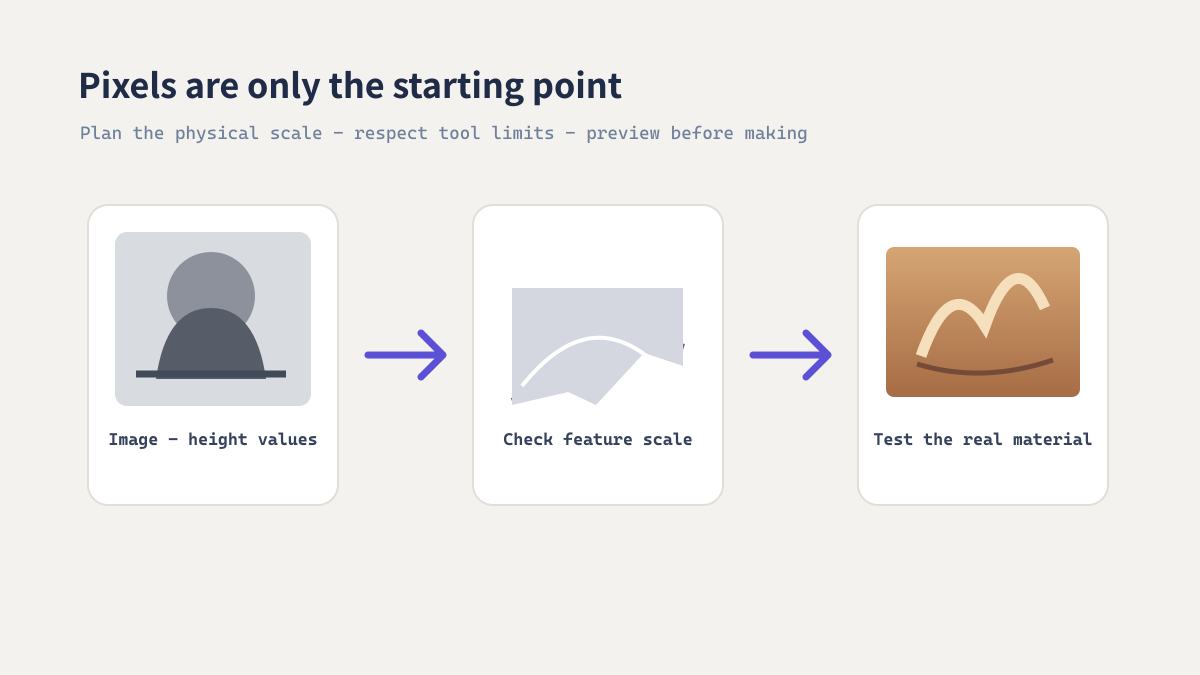
Turn an image into a practical relief starting point: choose a suitable subject, refine height range, check physical detail limits, and validate in the target workflow.
Read the guide →