Format conversion · 8 min read
PNG to JPG: Handle Transparency, Backgrounds, and Quality
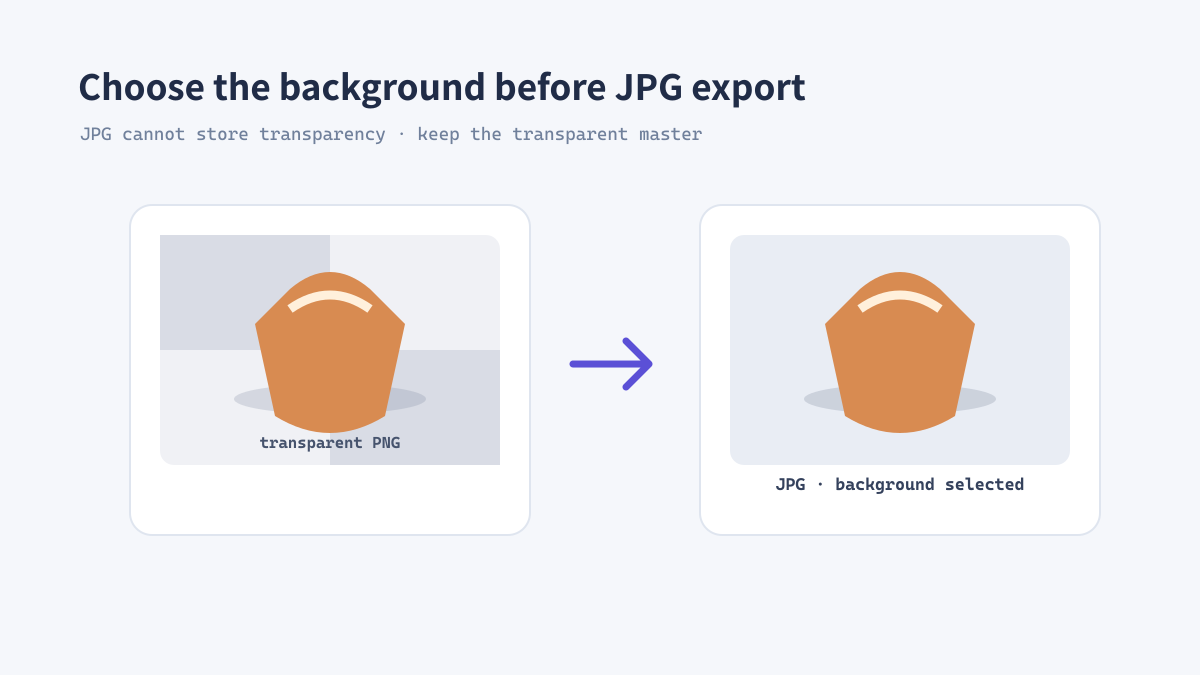
JPG is a practical format for photographs, email attachments, and platforms that expect broad compatibility. It does not support transparency, however, so a transparent PNG needs a background decision before conversion. This guide walks through that choice and the quality checks that help prevent visible artifacts.
What changes when PNG becomes JPG?
Transparency is replaced by a solid background
PNG can store transparent pixels; JPG cannot. During conversion, those pixels are composited against a background color. A logo that looked clean on a dark page may therefore show a white rectangle if the background was not considered.
JPG also uses lossy compression. It is often efficient for photographs, but high-contrast edges, small text, and repeated re-saves can reveal ringing or block artifacts. Keep the original PNG as the editable source.
A reliable PNG-to-JPG process
Choose the background before exporting
A thumbnail may hide compression defects that become visible in a full-size banner. Inspect both the intended display size and a close view.
- Check whether the PNG contains transparency and identify where the JPG will be used.
- If needed, place the image on a white, brand-color, or layout-matched background before conversion.
- Open ImageTool.cc PNG to JPG and select the image or batch.
- Choose the output dimensions and a quality level appropriate for the use.
- Inspect edges, text, gradients, and skin tones at 100% before sharing.
Real example: a transparent product cutout
Prepare separate versions for different placements
A product cutout with a transparent background may be placed on white in a marketplace feed and on a colored campaign panel elsewhere. Create a JPG flattened against the required background for the first placement, and keep a transparent PNG or WebP master for future layouts. One flattened JPG cannot serve every background reliably.
When JPG is the right delivery format
Use it for opaque photographic images
- Choose JPG when a target platform requires JPEG or when legacy compatibility matters.
- Compare WebP when you need smaller modern web assets or transparent output.
- Use PNG or WebP when transparent pixels must remain editable.
- Avoid repeated JPG re-exports; return to the source for each new delivery copy.
格式转换 · 约8分钟
PNG 转 JPG:处理透明背景、底色与画质
JPG 适合照片、邮件附件以及要求广泛兼容的发布平台。但 JPG 不支持透明通道,因此转换透明 PNG 前要先决定背景。本文说明如何做出这个选择,并通过检查减少明显压缩瑕疵。
PNG 转 JPG 时会发生什么?
透明像素会与纯色背景合成
PNG 可以保存透明像素,JPG 则不支持透明。转换时,透明区域会与某种背景色合成。如果标志原本用于深色页面,却没有考虑背景,导出后可能出现白色矩形。
JPG 使用有损压缩,适合照片,但高反差边缘、小字和反复重新保存容易出现振铃或块状瑕疵。请保留原始 PNG 作为可编辑源文件。
可靠的 PNG 转 JPG 流程
导出之前先选背景
缩略图上不明显的压缩瑕疵,可能会在大尺寸横幅上显现。请同时检查目标显示尺寸和细节近景。
- 检查 PNG 是否包含透明区域,并确认 JPG 的使用位置。
- 需要时将图像放在白色、品牌色或与版面匹配的底色上。
- 打开 ImageTool.cc PNG 转 JPG 工具,选择单张图片或批量文件。
- 设置输出尺寸和适合用途的画质。
- 分享前以 100% 比例检查边缘、文字、渐变和肤色。
案例:透明底商品抠图
不同版位准备不同导出文件
透明背景商品图可能需要在电商信息流中显示为白底,又要用于彩色活动版面。可以为第一种位置生成压平背景的 JPG,同时保留透明 PNG 或 WebP 母版用于其他布局。一个已压平的 JPG 无法可靠适配所有背景。
适合使用 JPG 的交付场景
优先用于不透明照片
- 目标平台要求 JPEG 或需要兼容旧系统时,选择 JPG。
- 网页需要更小的现代图片或透明输出时,也比较 WebP。
- 必须保留透明像素时,使用 PNG 或 WebP。
- 避免反复导出 JPG;每次交付都从源文件重新生成副本。