E-commerce design · 9 min read
E-commerce Product Image Sizing: A Practical Catalog Guide
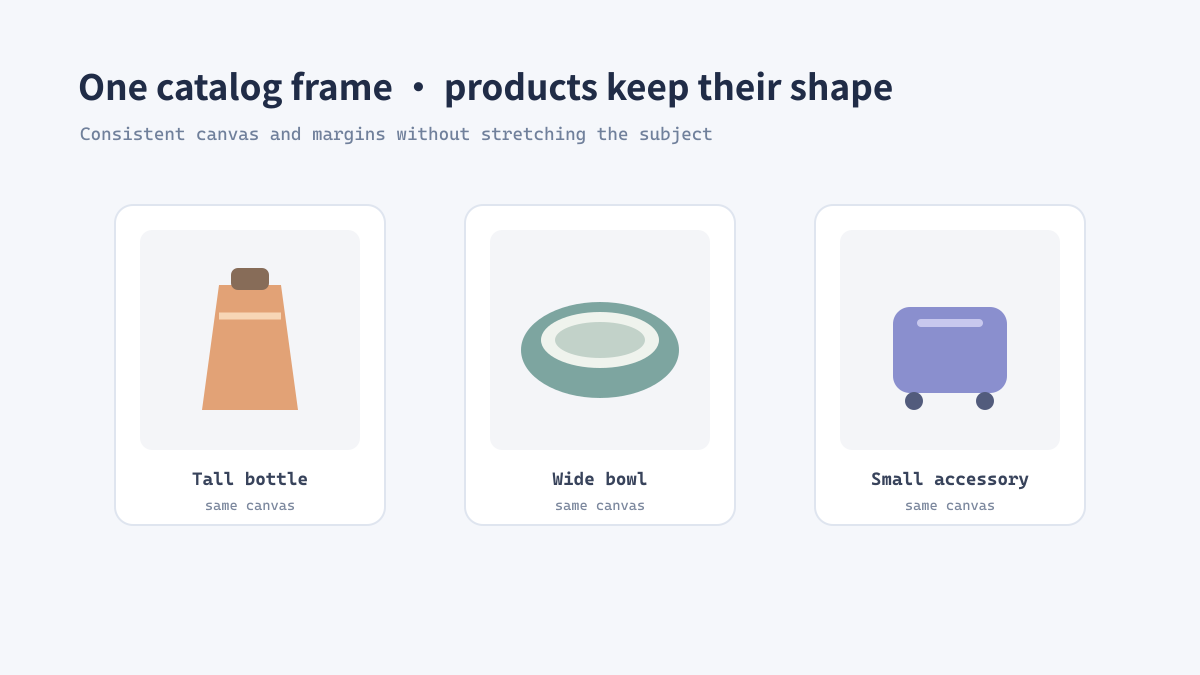
A catalog looks more trustworthy when products share a consistent visual frame. That does not mean every photograph must be cropped identically: the goal is a repeatable canvas and subject scale that follow the store's current image requirements while preserving the product.
Start with the destination requirements
There is no universal marketplace size
Stores and marketplaces can change their accepted dimensions, aspect ratios, and file-size limits. Check the current requirements for the destination before preparing a large batch; do not assume that a setting used for a previous platform still applies.
Create a large, well-organized source master, then export a copy for each placement. A product detail image, listing thumbnail, and social campaign crop may have different framing needs.
Build a consistent frame without distorting the product
Separate subject scale from canvas size
Do not stretch a product to fill a square. If the aspect ratio differs, use a background canvas or a carefully chosen crop instead.
- Record the required pixel dimensions and aspect ratio for the target placement.
- Choose whether the whole product must remain visible or a deliberate crop is acceptable.
- Resize proportionally and place the result on a standardized canvas when uniform framing matters.
- Keep consistent visual margins around similar products.
- Export to the required format and inspect representative products at thumbnail size.
Real example: a mixed-shape homeware catalog
Use a shared canvas and flexible artwork bounds
A catalog can include tall bottles, wide bowls, and compact accessories. Keeping a common square output canvas can align listing cards, while allowing the product itself to occupy a sensible portion of that canvas avoids making small objects appear visually weaker than large ones. Define a subject-scale rule, then review exceptions by category.
A production checklist for catalog exports
Keep the editing master intact
- Check the platform's current requirements before each delivery.
- Keep one high-quality master and create separate delivery copies.
- Preserve aspect ratio; do not stretch products to force a layout.
- Check color, crop, margins, and mobile thumbnail legibility.
- Use a format appropriate to transparency and destination compatibility.