Production workflow · 8 min read
How to Add a Text Watermark to Product Photos Without Hiding the Item
A text watermark should identify the source of a preview without covering the product. The useful settings are placement, contrast, opacity and scale. The original unmarked photo should stay in a separate folder so a later campaign can still use a clean file.
Decide what the watermark is for
Preview mark versus brand signature
Client proofs, unpublished photography and catalog drafts usually need a visible but secondary mark: a site name, a brand, or the word Preview. The watermark is there so the file is harder to reuse unmarked. It should not compete with the product.
A finished store image may need no watermark at all. Adding a large centered mark to every published photo can reduce trust and hide details shoppers need. Use stronger marks on review copies, and lighter or no marks on final listing images.
Illustrative workflow image for this guide.
A practical watermarking workflow
Check contrast on light and dark backgrounds
White text disappears on a white product. A slight outline helps, but size still matters: a mark that looks fine on a 2000-pixel photo can vanish on a mobile thumbnail.
- Keep the unmarked original and work on copies.
- Open the ImageTool.cc watermark tool and select one or more photos.
- Enter short text such as a brand name or website.
- Place the mark in a corner unless a draft must be obviously unusable.
- Lower opacity until the product remains easy to see, then add enough contrast to stay readable.
- Export the batch and compare a dark photo with a light photo before sending.
Illustrative workflow image for this guide.
Real example: sending a catalog draft to a retailer
Mark the set, not one hero image
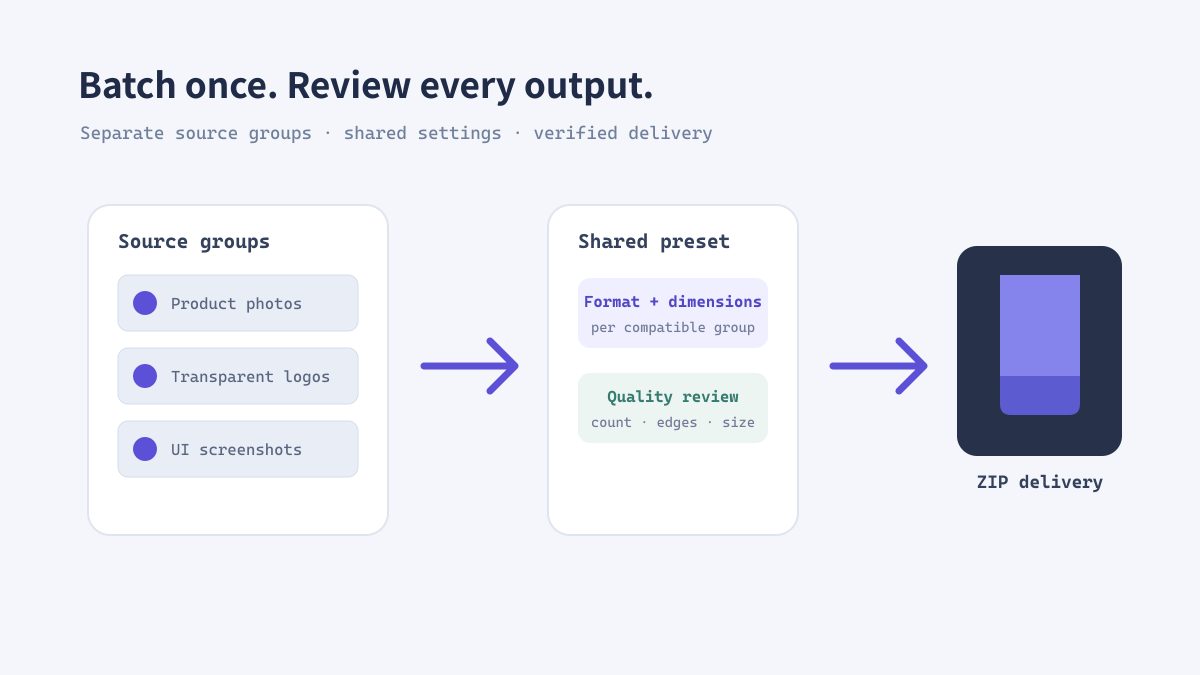
If a buyer receives 40 unmarked product files, any one of them can leak into a listing before the contract is signed. Apply the same text, position and opacity to the whole preview set, then ZIP the results. Keep the clean masters for the approved delivery.
Do not watermark the only copy of a photo. If the retailer later needs a clean 1200-pixel square, you will want the original, not a flattened proof.
Illustrative workflow image for this guide.
Watermark checklist
Readable, consistent, reversible
- Use the same wording and placement across a related batch.
- Avoid covering faces, logos, labels or the main product silhouette.
- Export proofs as a dated set and store unmarked masters separately.
- For transparent graphics, confirm the mark is still visible after placement on light and dark pages.